Future of desktop apps?

September 13, 2010

I loved this article on the BBC website; quite a prophetic vision and one to which I certainly subscribe. Maybe I’m blinded by my love of handheld and slightly larger portable computing devices such as the iPad – but it certainly feels to me as if app-based computing is the most likely contender for the major future model.

I guess it will take us a while to get there, but in the meantime of course centralised computing (VDI, presentation virtualisation etc) will act as a staging post in much the same way as x86 server virtualisation seems to be a stop on the way to Platform-as-a-Service-based cloud computing… Or have I just got my head in the clouds today?

Is the midmarket better than enterprise at ‘Private Cloud’?

September 13, 2010

I heard a great story the other day about a large organization who embraced virtualisation to a fairly high degree. As part of this they managed to reduce the time taken to deploy a new workload from three months to six weeks for a virtual machine. Of course, it can be done significantly quicker than that, but their processes put the brakes on what the technology could deliver.

What do I mean by ‘Private Cloud’? I guess I am talking about what HP refer to as ‘Converged Infrastructure’; a heavily virtualised environment whereby resources can be provisioned and reallocated more or less dynamically to meet the needs of a business; one whereby traditional silos of storage, networking and compute resource are managed all together to ensure that the appropriate resource is available to a given workload.

Whilst midmarket organizations don’t perhaps have access to the most cutting edge (and most expensive!) technologies, it feels to me as if smaller companies have perhaps embraced virtualisation to a much deeper level than larger ones, and this means, I think, that they are closer to the likely future of computing than those stuck-in-the-mud big businesses who can’t change so quickly – and can’t make the most of what technology will enable them to do.

So why are SMEs better at this than the bigger boys?

–       Typically, SMEs seem more likely to go for 100% virtualised – or at the very least, a ‘virtualise by default’ policy.

–       The IT team within SMEs are often multi-discipline. This means that the traditional ‘silo’ of storage vs networking vs server can rapidly be overcome

–       Application owners are frequently also infrastructure owners – meaning that by default the infrastructure is designed to suit the needs of the business.

–       The layers of red tape that can unfortunately exist within larger organisations (with good reason, often) frequently don’t have such an impact in a smaller, more agile business..

What do you think? How far down the line towards a ‘private cloud’ style architecture has your company got?

Simple things…

July 5, 2010

So as well as implementing Unified Communications solutions for our customers, we are embarking on that journey ourselves. We have been using Microsoft Office Communications Server for some time; I’ve become a huge fan and I am convinced it has made me more productive. Just being able to see if someone is at their desk is a great thing! Funnily enough it has had what I would consider a positive impact in that I am more likely to walk round to see someone if I know they are there and their light is green. Maybe that’s not a stated benefit of presence, but it works for me.

A couple of months ago we upgraded our phone system to a Cisco Call Manager solution. This tracks your calls, so you know if you have a missed call (we still don’t, and never will, use voicemail!). I was amazed by the number of missed calls I had from within the office when my OCS status was set to ‘Away’ (or worse: Do Not Disturb!). Surely it’s more productive to check the colour of someone’s OCS blob first?

Anyway, a few weeks ago we took the next step and integrated OCS with Call Manager using the gloriously-named and does-exactly-what-it-says-on-the-tin Cisco Unified Communications Integration with Microsoft Office Communications (or CUCIMOC for short). I’ve noticed an immediate drop in the number of missed calls when I’ve been away from my desk.

What’s that all about? Well, one of the benefits of CUCIMOC is that you can trigger a call from your PC, which is far easier than tapping through the directory on the phone itself. Once everyone realised that, of course, they started using OCS to initiate the call – which means that by default they are checking the status of the person they are calling.

Obviously there is far more to Unified Communications than this, but I think we’ve seen a material productivity gain with this small step…

While I think about it, if you are a Softcat customer or partner, you can connect to us via instant messaging – just ask your account manager!

Ready for the World Cup?

June 23, 2010

What’s your view on World Cup games during working hours? Today is the one everyone was worried about; England needing to win to go through at 3pm on a working Wednesday. I’m very much in the ‘let’s turn this into a company event’ camp; it only happens once every four years, and it’s a great opportunity to get everyone together and have a bit of fun (assuming England do well!). I’m sure you don’t lose out on productivity in the long run, as most people will make up any work they need to.

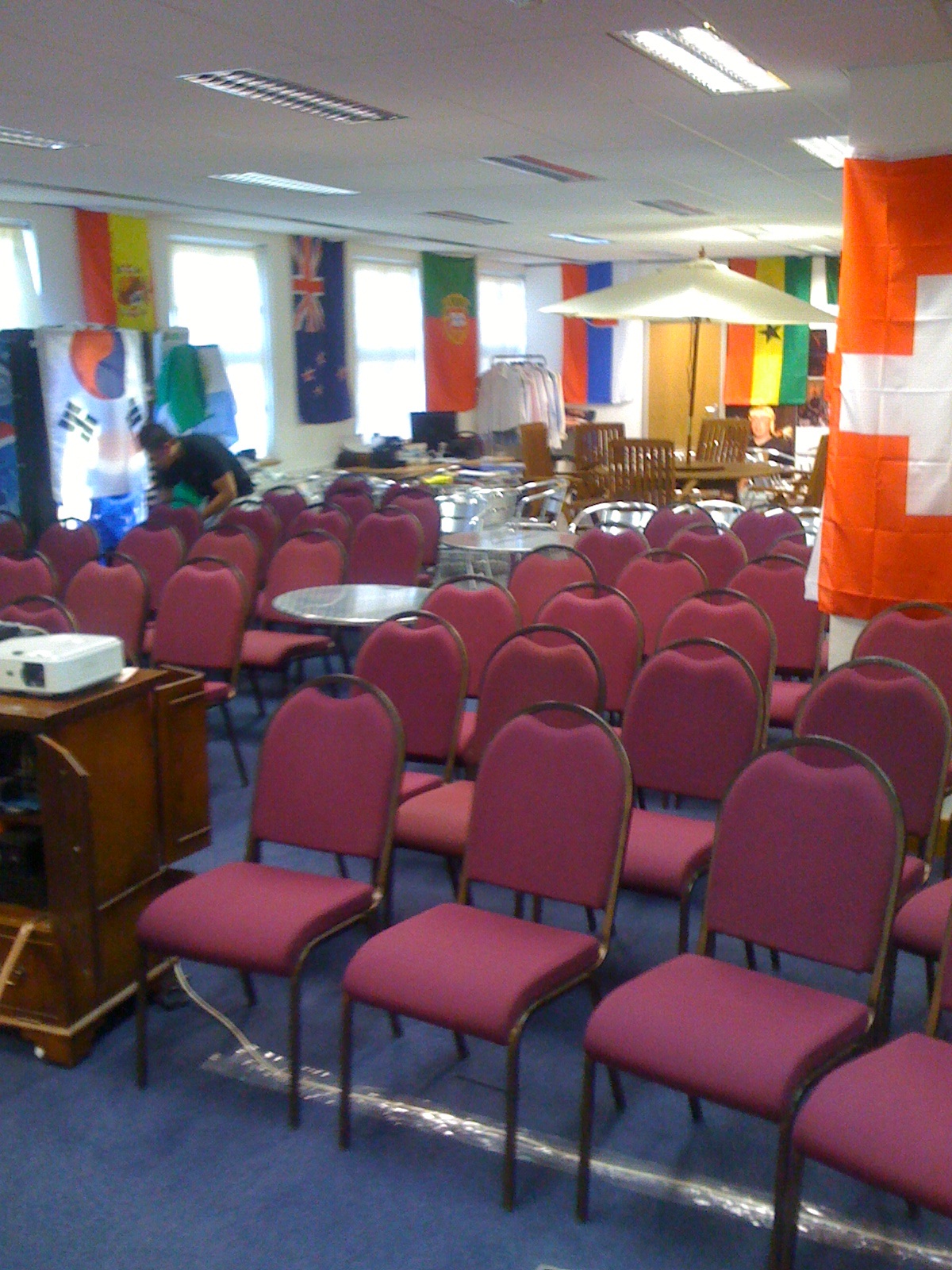
I hope your company is letting you watch it if you want to. As you’d expect from the Best Small Company to Work For, Softcat are well prepared. Our illustrious chairman had the garden furniture shipped in especially….

 I assure you our legendary levels of customer service will not slip during the game!

The IT Highway Code?

June 17, 2010

In an annual review meeting this week with one of our valued customers (hey, you are all valued!), we were discussing a security breach they had suffered. One of their senior execs had received an email, purporting to be from the IT department, asking for his username and password. As I’m sure you’ll guess, this was a corporate phishing scam.

The reaction of the exec in question was that this was an IT problem; rightly in my view, the IT team thought that the user had a minimum responsibility, as a fairly senior officer of the company, to understand the basics of IT and to take care in his use of the systems. The analogy used, which I thought was excellent, was that you might not know how to fix the engine of your car, but (hopefully!) you know the highway code- effectively that people within your organisation, particularly senior people, have a responsibility to ensure they have basic IT knowledge. It’s not good enough to say ‘I don’t really do IT’ any more.

This crystallised some thoughts that have been percolating through my brain for a while, about how businesses think about IT. For me, in this day and age, IT is a qualifier – it is certainly not good enough now for an organisation to say ‘we don’t really do IT’. Fine, outsource it, use the cloud, whatever- but as an organisation it is incumbent upon your senior management team to understand the impact of IT on the business at the very least.

How do we, as technology advocates and innovators, get the business on board? I bet those senior execs will be the first to want to use an ipad or equivalent in a business context… I’d welcome your views!

Is VDI the highest common denominator?

June 10, 2010

The purist view (no pun intended, VMware!) of the server-based computing market is that organisations should segment their users by type and work performed, and select various different desktop deployment vectors depending on the requirements of their users. An example would be using session-based desktops (Microsoft Terminal/ Remote Desktop Services, Citrix XenApp) for task workers who basically use Office, but hosted virtual desktops (VMware View, Citrix XenDesktop) for power users who need customised desktops, applications which won’t work in a shared session environment – and maybe application virtualisation for mobile users.

This is a strategy I subscribe to in the larger companies we deal with; however, I am seeing a different take amongst smaller and mid-market sized organisations. We’ve had a massive amount of success in the server virtualisation space with VMware, and our customers have really skilled up. Whilst I think they recognise that perhaps a session-based solution might represent lowest capital outlay and operational cost, they don’t want to learn another platform – and then manage that on an ongoing basis, as they just don’t have sufficient people within IT.

That makes a VMware-based desktop delivery strategy a compelling solution for tactical desktop deployments – in much the same way we started onserver virtualisation with the low utilisation, administration-type workloads rather than the mission critical ones. This is what has led me to sign us up with Panologic, who make a  Zero Client specifically for VMware vSphere, which operates with or without View. It’s a nice straightforward solution for deployment of virtual desktops into an existing VMware environment, with minimal consultative or administrative overhead. They only draw 3.5 Watts of power – and damn, they look cool!

Cool, shiny zero client!

I know people have been saying since 2007 that ‘this’ is the year of VDI – judging by the fact that our VDI workshop next week is over-subscribed times 3, we’re finally getting there!

iPad Apps for business

June 3, 2010

As previous readers will know, I got an iPad shipped in from the USA on the orignal launch date. It has been my constant companion for the last two months, so I thought that those of you in the UK who have just got yours might find a quick post on the available applications useful. I make no apologies for this being focused more on using your iPad as a business tool…

1: Keynote. I’ve been desperate for this to be released in the UK, as I do a lot of presenting and that has meant that I have still needed my laptop. I imported our standard presentation, and have been delivering that off the device, using the dock-to-vga cable (£25). Keynote doesn’t import 2007/2010 (.pptx) presentations very well, but 1997-2003 (.ppt) works just fine. Admittedly getting the presentation onto the iPad is a bit clunky (I’ve been using email, rather than iTunes file sharing) but it works.

 I’ve just started creating presentations from scratch, used two today and the effect was fantastic. This for me is close to a killer app for the iPad – a mobile presentation device, with or without a big screen (although the screen is small, the clarity means it is fine without an external display for one or two willing victims!) – and with the ability to create/ amend presentations on the device itself. And you know what? It’s actually fun to use Keynote on iPad! I haven’t done much with Pages and Numbers yet but I will post as and when I do.

2: Citrix Receiver. We use Citrix XenApp to provide services to remote offices, home users and in the event of the offices being inaccessible. I’ve had the Receiver app for iPhone for a while, but really the lack of screen real estate meant it wasn’t much more than an opportunity to show off! Citrix on iPad is really useable. On-the-road access to our CRM tool is a possibility. It’s a very elegantly designed application.

We are in the process of getting VMware View up and running again in our currently-being-refreshed demo lab, at which point I am looking forward to comparing and contrasting Wyse PocketCloud.

3: Twitterific. I’m a real advocate for the use of Twitter as a business tool, to keep up to date with industry trends and to keep in touch with people. Twitterific is my client of choice, and the iPad implementation is excellent. The only thing I would improve is to link it somehow to the iPhone version so that you are in the same place in your timeline on each. Needless to say there are on occasion some lengthy articles to digest, which brings me to:

4: Instapaper. If you haven’t come across Instapaper, it’s worth a look – particularly if like me you were an early adopter and therefore have a WiFi only iPad. Instapaper enables you to bookmark a site (article, blog post etc), send it to Instapaper and read it later, offline (and actually in a much more readable, text-oriented format). Twitterific has Instapaper integration, meaning you can send long articles directly to Instapaper from within the app.

5: Simplenote. This is a straightforward, simple replacement for the built-in Notes app. I prefer the clean interface and font, personally. The killer part, for me, is the ability to synch to a web service, and across to your iPhone. Simple indeed, and very elegantly done.

I’d like to give an honourable mention to Adobe Ideas, which is a useful (and free!) scribble pad in the event of a whiteboard pen malfunction (hey, wouldn’t it be cool if it supported an external display? That would create an infinite whiteboard trackpad thing!), Kindle which is great but not business-focused enough for this post (although going away on business without books as well as without a laptop is a worthwhile use case!), and the Times app, which to me shows how newspapers should be delivered – but is a bit expensive bearing in mind you don’t get all the content – and don’t get the Sunday Times. The coolness of having your morning paper ‘delivered’ to your hand before you get out of bed can’t be underestimated, however!

So, UK iPad users – what apps are you finding indispensible from a business point of view?
Technology@Work Takeaways

May 5, 2010

It’s nearly a week since I got back from HP’s Technology at Work event, in Frankfurt, and I have just about caught up, so I thought it was time to summarise my experience. First out, I very much enjoyed it – the organisation was very slick, Frankfurt was friendly and the content was superb. I feel less guilty now that HP have cancelled their tablet plans (or at least delayed them pending the integration of Palm) for my use of an iPad throughout the event…

My first comment would be that getting involved in the social media scene at events like this is a good idea. It made me feel really engaged with the event to be following #HPTAW and tweeting with folks like @StorageGuy and @JezatHP (follow both of these guys for good insider info on HP Storage and Networking respectively). It’s a really useful back-channel to comment on what is going on and point people in the direction of stuff that is interesting. Needless to say I was delighted to end up as Mayor of HP Technology at Work on Foursquare

Now on with the technology industry… My primary takeaway was the emphasis from Gartner (who were out in force) on a simple statistic: that in their research, 70% of IT budget is spent on ‘keeping the lights on’, and only 30% spent on innovation – finding technology solutions to move the business forwards. That’s pretty scary, and I would welcome feedback from our customers as to whether that’s common experience. It feels about right to me. Almost every keynote referred back to this statistic, and HP are focusing their efforts on remedying the situation. A lot of the conversations were around reducing cost: power and cooling, management, etc. However, an interesting point was that CIOs with responsibility for the power bills refresh infrastructure more often, deriving ROI from this refresh – and in the process giving their organisation access to the latest technology, making the business more agile.

I’m sure we all hope we are on the way out of recession. Certainly the feedback from Gartner was that organisations are investing. In fact, the focus appears to be moving away from out-and-out cost, although budget growth will remain low or nonexistent. The focus is on balancing value with risk and innovation – the goal is to enable the business to be flexible and adapt to change. The legacy of the economic situation will leave organisations in a state of flux – M&A, emerging markets, volatility and a need to advance and retract into areas will mean that IT must be able to react to and enable this constant change. No wonder virtualisation, cloud and Web 2.0 are the top three technologies on CIOs’ watch-lists. HP are working hard on the concept of ‘converged infrastructure’ (separate post to follow) to provide a cohesive platform from which to deliver services to meet the needs of your organisation.

End-user computing was another area, and one which has interested me for some time. The story echoed my post on Next Generation Desktops, but suffice it to say that the computing environment of tomorrow will be a little different. Virtualisation of the desktop in its various forms will become commonplace, and management by separation of the various layers (hardware, OS, apps, profile etc) will be the norm. At the same time, IT departments will need to get used to delivering mobile, lightweight apps to laptops, netbooks, smartphones and (dare I say it) the iPad.

Lastly, there was a fair amount on the networking front. HP contest that the acquisition of 3COM gives them an end-to-end networking portfolio, from the core to the edge, including security, for the first time. Networking is key to the Converged Infrastructure message, so keep an eye on this (we will announce an event soon). There was a lot of talk about unified communications, in particular integration of Microsoft Exchange and OCS with Procurve and Proliant.

Whilst I don’t think I recall Cisco being mentioned by name throughout the entire event, it’s fairly evident that they have a fight on their hands here!

Thoughts on the iPad so far

April 26, 2010

So I’ve been using the iPad in anger for a couple of weeks now, and I thought I’d share my thoughts so far. First things first- I love it! Very comfortable, easy to use, brings a bit of enjoyment to routine tasks just because of the way it is such a pleasure to interact with. You kind of have to see it and play with it to appreciate it- but everyone who does, wants one!

Positives:
Form factor – ideal for work on the go, particularly on a train. Much easier than a laptop to use in such situations, and it is incredibly portable. I cycle to and from work when I don’t have to be in a suit, and I have been leaving my laptop at work – the weight saving is worthwhile!
Mail- really a step above email on the iPhone and of course the fact that it is larger helps. For someone like me who lives in email it works well.
Windows- yes, really! One of the best apps is the Citrix client, which enables you to ‘run’ Windows or Windows apps on the iPad (if your company has such a set up). It works very well and has the wow factor, particularly when you use your iphone as a tack pad!
Keyboard- I reckon I can type about as fast on the virtual keyboard as I can on a real notebook keyboard. Admittedly I am not the fastest typist, but it is more than adequate.
Mifi- I have the wireless model as the 3G one is not available- it works very well with a Three Mifi.

Negatives:
No iWork- this isn’t out in the UK yet and until it is available it can’t quite replace the laptop… Hopefully soon though!
Fingerprints- it does get grubby, especially as EVERYONE wants a go.
No iBooks- although the Kindle reader works well and for me (as a voracious reader) it is as good an ebook device as I need.

From an IT perspective, I think you are going to have to get used to supporting this device, I’m afraid. People will want one – and actually it could make your team more productive (or at least work outside of key work hours!). It’s worth thinking about your policy, as corporate info could end up on it easily through note-taking, emails etc. Maybe it’s worth considering a Bring Your Own Computer strategy and let your employees use what they want?

The iPad has landed!

April 8, 2010

I’m incredibly fortunate to be in receipt of one of the first iPads in the UK, shipped in from the States on launch day. First impressions are that it is fantastic – the mail and browsing experience is superb and the form factor is just about perfect for me, for mobile and more casual stuff.
I am intending on trying to use it as a business tool, so I’ll post about how I get on further down the line. I’m away this weekend and will be leaving the laptop at home for starters!
I’m particularly interested in using it as a mobile client for our Citrix XenApp and VMware View deployments – once the app store is live in the UK I’m really looking forward to having a go with Citrix Receiver